← Back to Discover
How it works
Find a contractor by looking at the work first.
DonePages lets you compare real completed projects before deciding who to contact. You do not need an account, and your request goes only to the contractor you choose.
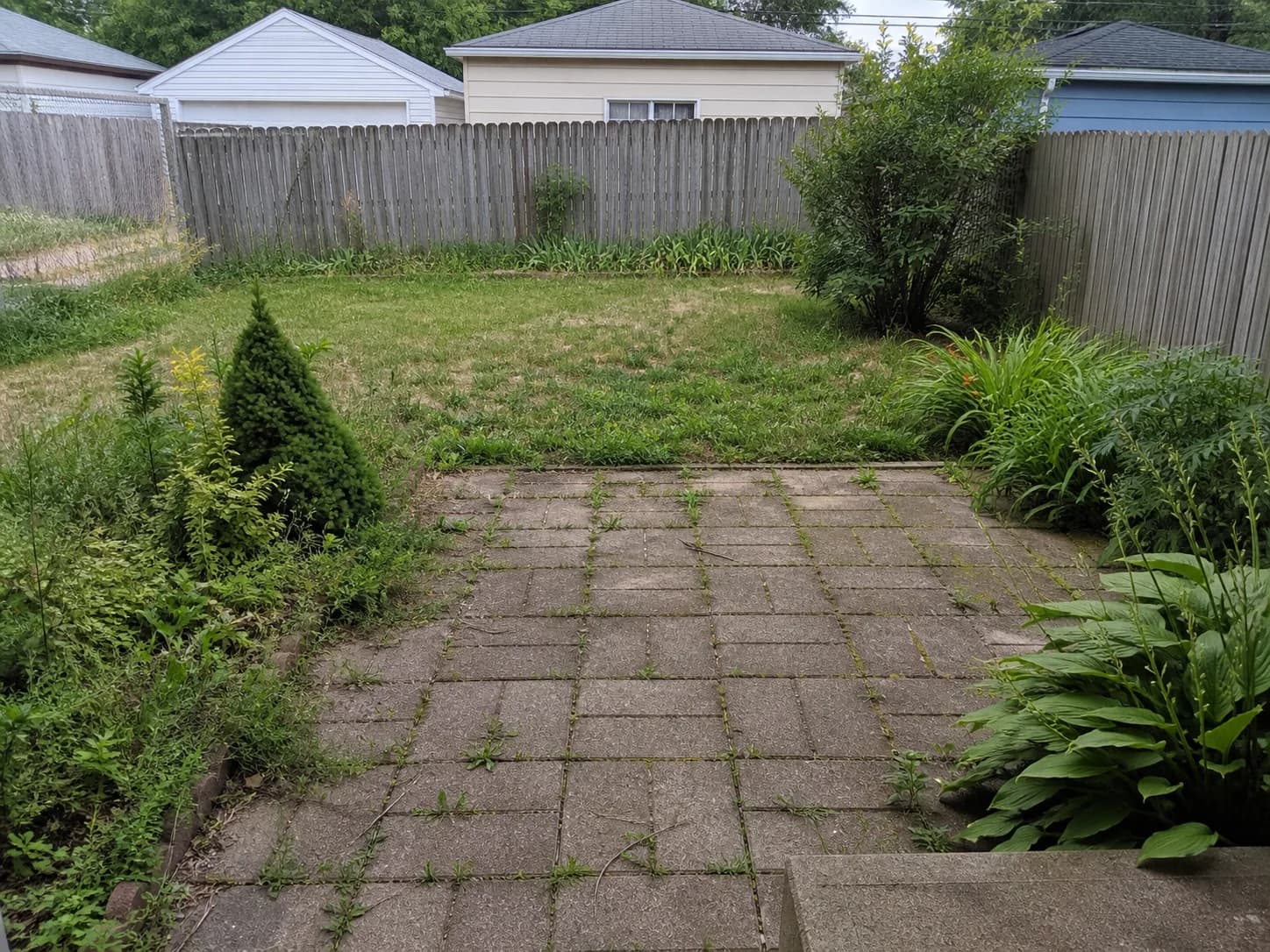 Before
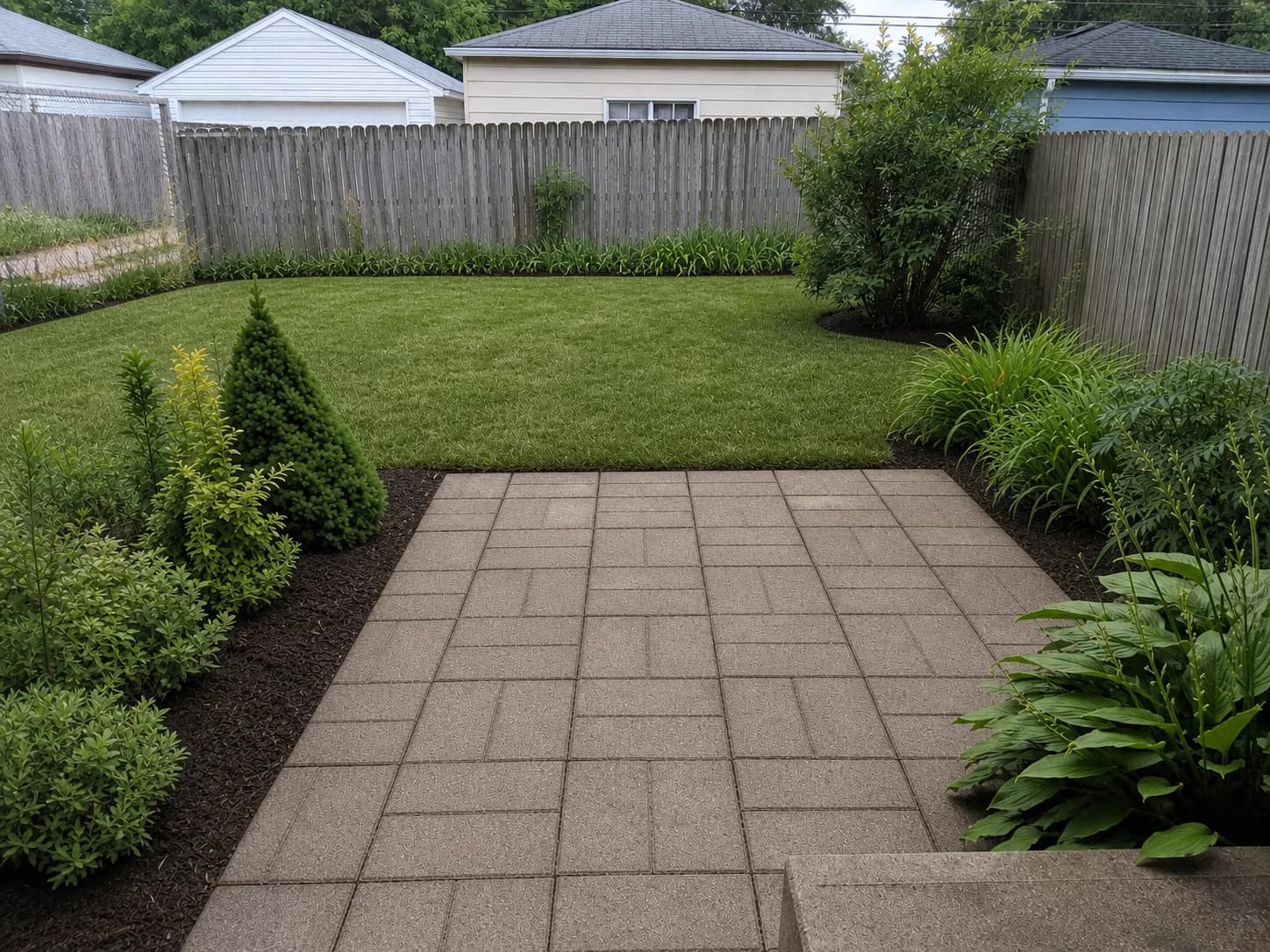 After
AfterThe short version
Three simple steps.
Search for the job, compare genuine completed work, and contact one contractor directly.
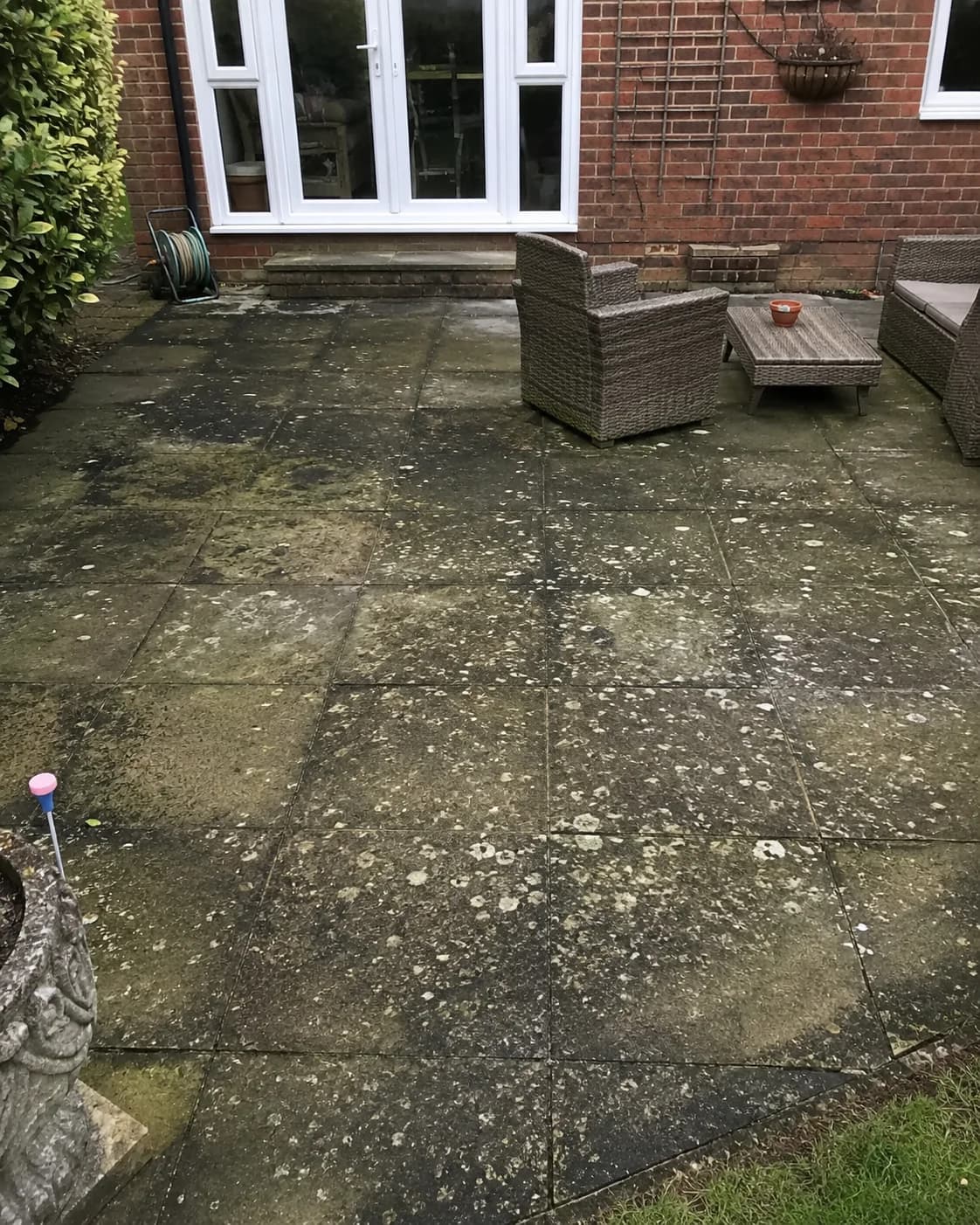
Step 01
Tell us what needs to be done.
Choose a broad job type, such as exterior cleaning, roofing, or painting. Then enter your ZIP. We use it to find contractors serving the general area.
No account or profile
No exact address required
Step 02
Compare real finished projects.
Each result is a completed project page. Look at the before-and-after photos, read what work was completed, and decide whether the result looks like what you need.
Contractors cannot pay for a higher position. The work is the reason a project appears.
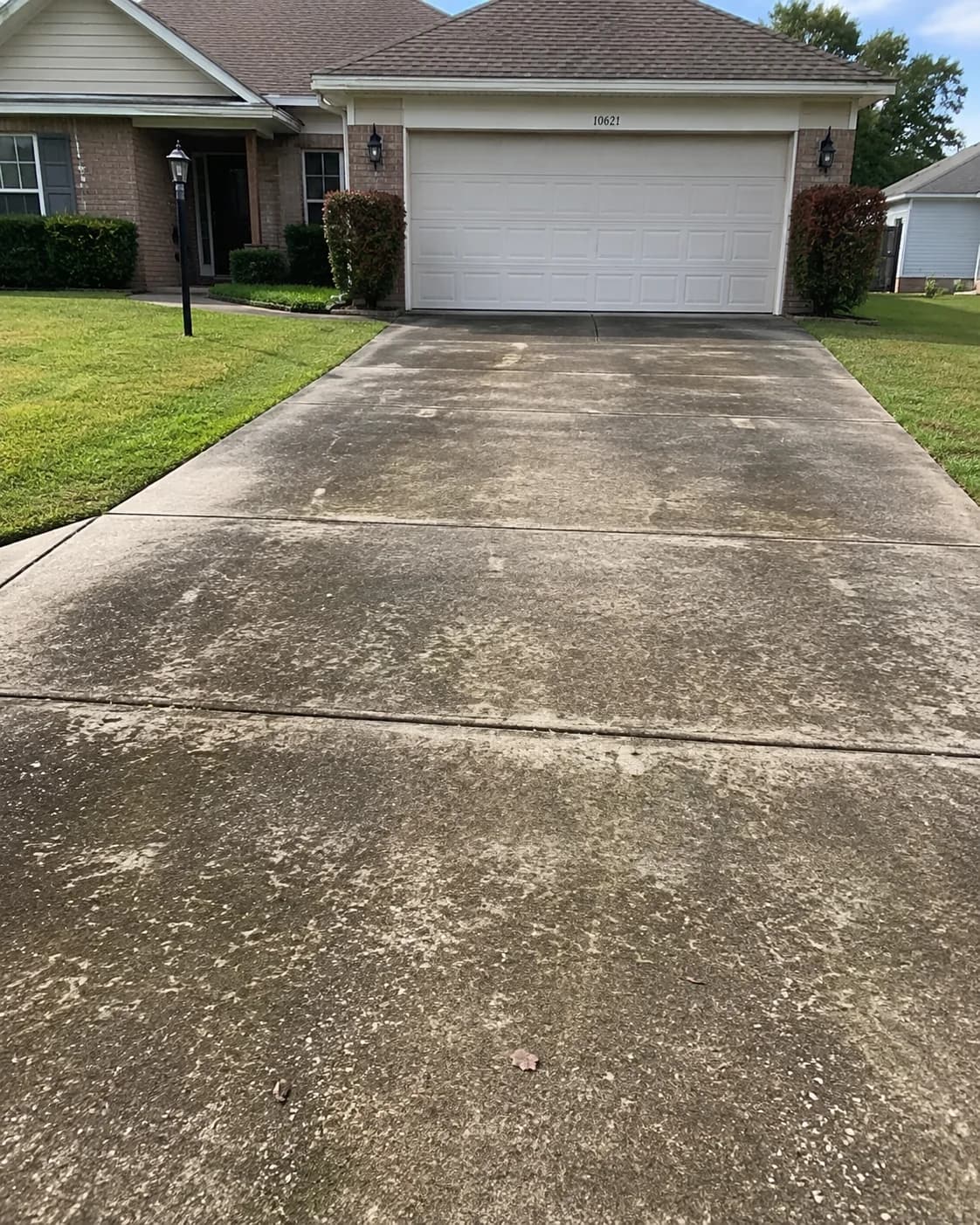 Before
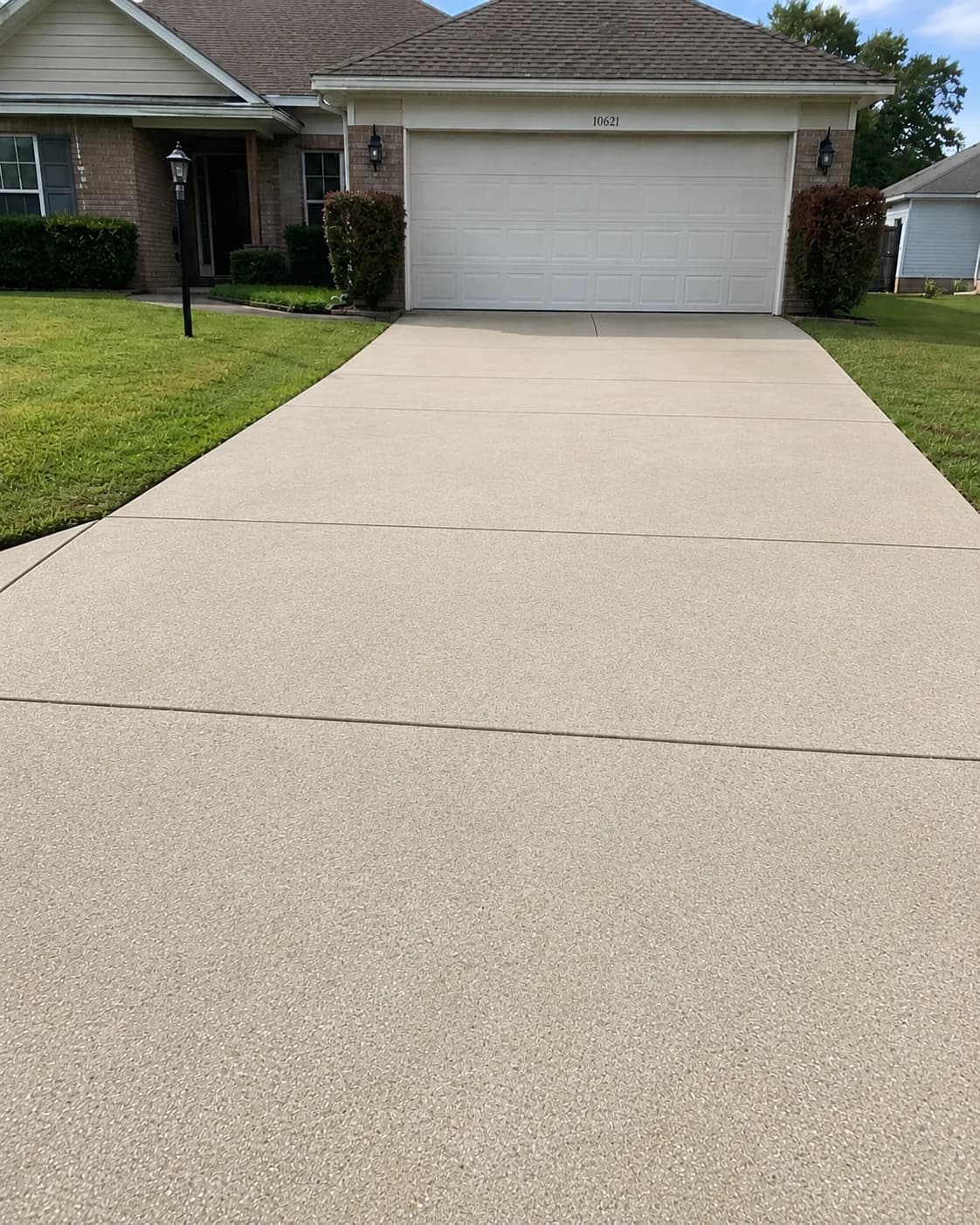 After
After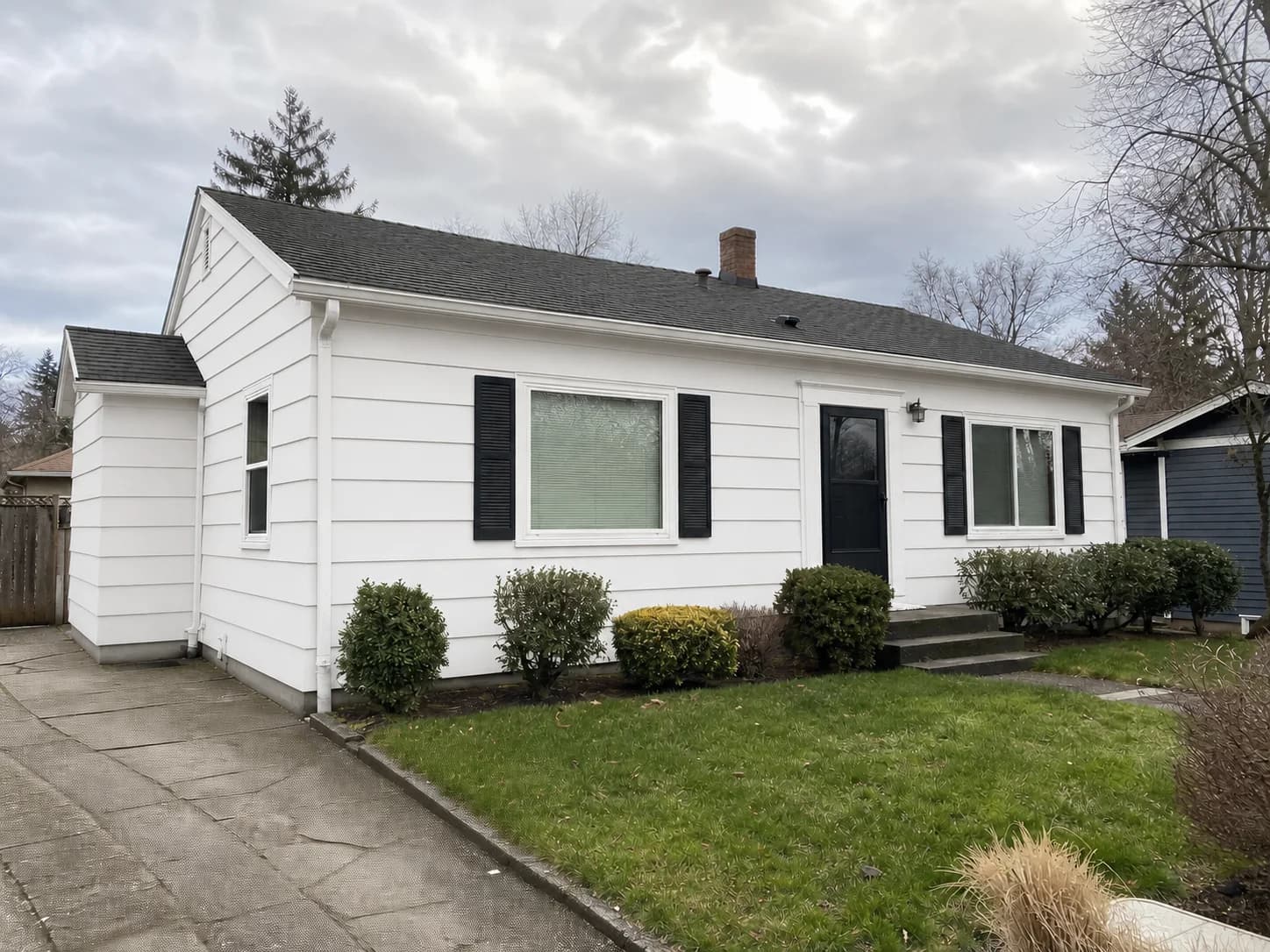
Step 03
Contact the contractor you choose.
Open the project for all the details, or request a quote directly from the contractor. DonePages does not send your information to a list of competing businesses.
One request. One contractor.
You decide who receives your name, contact details, and project message.
Common questions
Before you start browsing.
Do I need an account?
No. You can search, browse, and compare projects without signing up.
Are customer addresses shown?
No. DonePages uses broad service areas and keeps exact job locations private.
Are these contractor ads?
No. The listings are completed project pages built around real job photos and details.
Who receives my quote request?
Only the contractor attached to the project you selected.
Ready to look?
Find completed projects near you.
Start with the work type and ZIP. You can change either one at any time.